Syncing your facilities calendar with Google Calendar will push the name on the booking, the phone number, email, and what room the booking is in to the calendar. This is commonly utilized for faciliites staff or other internal team members.
- Navigate to Facilities then Calendar
- Select one of your facilties
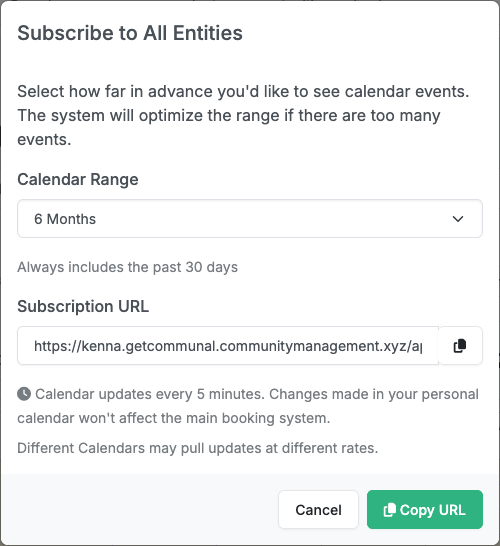
- Click the Subscribe button

- Select the Calendar Range, then Validate the range
- Once Validated Copy the URL
- Next, navigate to your Google Calendar and on the left hand side, locate the Other Calendars
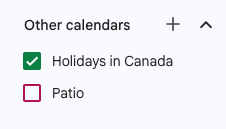
- Click the + and select From URL
- Paste the URL you copied and click Add Calendar. The calendars will then sync. This is initiated immediately on our end and can take up to 24hrs from Google.
- Repeat for other facilities
