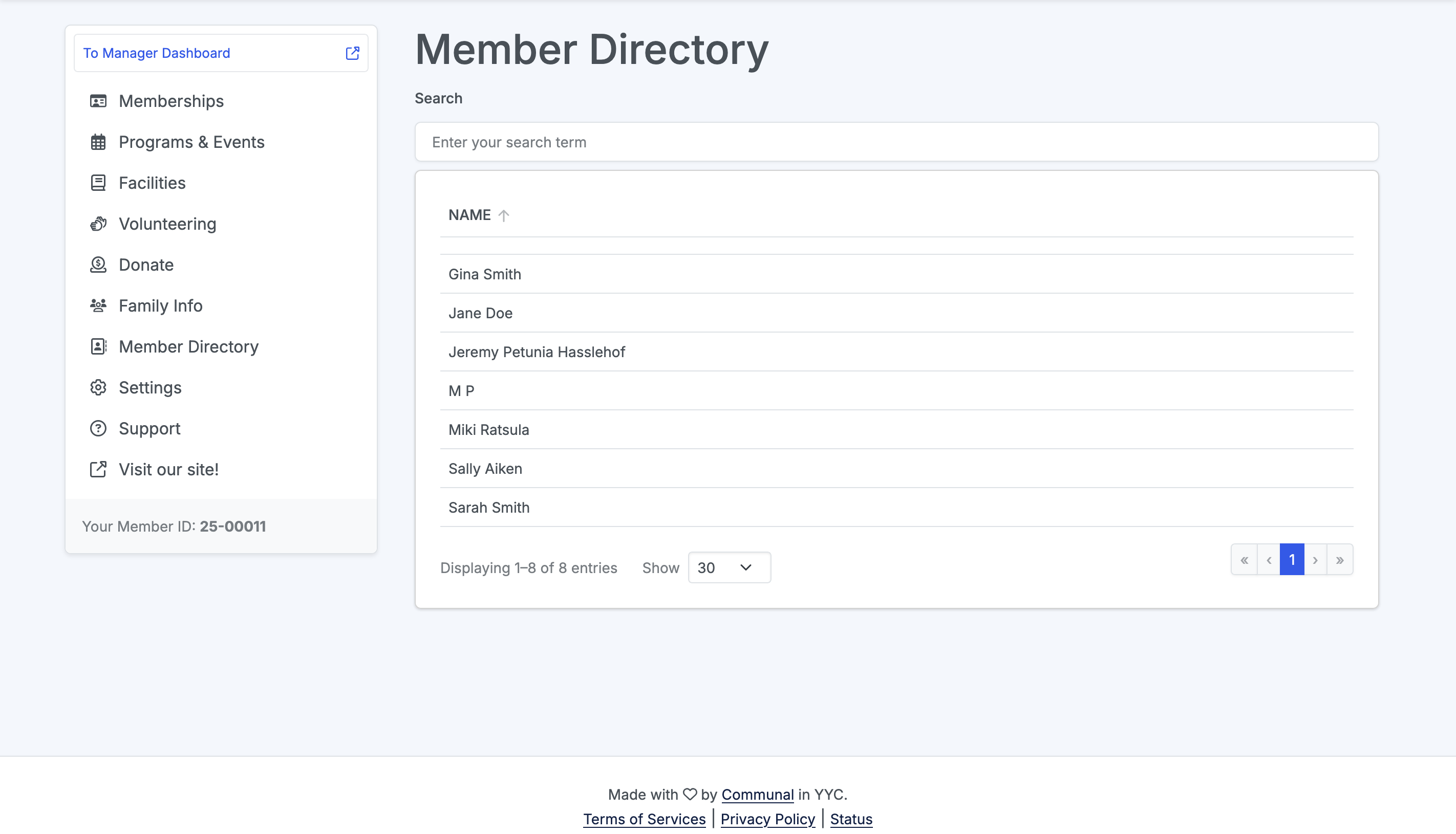
A membership directory will reveal the first and last name of your members to each other. Members will only be able to access this information when logged in to their account.
To enable your membership directory follow these steps:
- First, login to your Communal Manager Dashboard
- Navigate to Settings then General
- Scroll down to Configurations and select Enable Member Directory
- Click Save
To review the membership directory, navigate to the User Dashboard, and click Membership Directory from the left-hand menu